


Body Mechanics Project Brake down
- 1012433

- Nov 26, 2018
- 4 min read
Updated: Dec 13, 2018
Overview
For this section of Studio, I was the most excited about. As we got to spend all of our time focusing on animation and body movement, so the following exercise where the ones required to submit to our assignment.
Bouncing Ball - Completed in 3d
Simple Action - Completed in 3d
Lifting a heavy object - Completed in 3d
Use reference - Completed in 2d & 3d
short action sequence -Completed in 3d
- idle
- Jump
- Walk
- Melee
The brief for this assignment was about developing a solid foundation of body mechanics before going on and attempting more complex tasks. by trying to keep in mind the laws of physics and the complexities of the human skeleton whilst still wanting to portray emotion and personality.

We where given the freedom to investigate new animation techniques and pipelines. we where also allowed to chose the medium and software of our own choice. For me I used Krita and Maya.

Both were new to me and at first proved a challenge of getting use to new interfaces, finding buttons I wanted, importing the reference/audio and then the process of rendering out the videos.
Research
These two sources where useful as they provided information i didn't have, and didn't ask the lectures on as i had a feeling Krita would not be something they would be familiar with. as well as i felt the information stuck with me easier if it was something i looked for first.

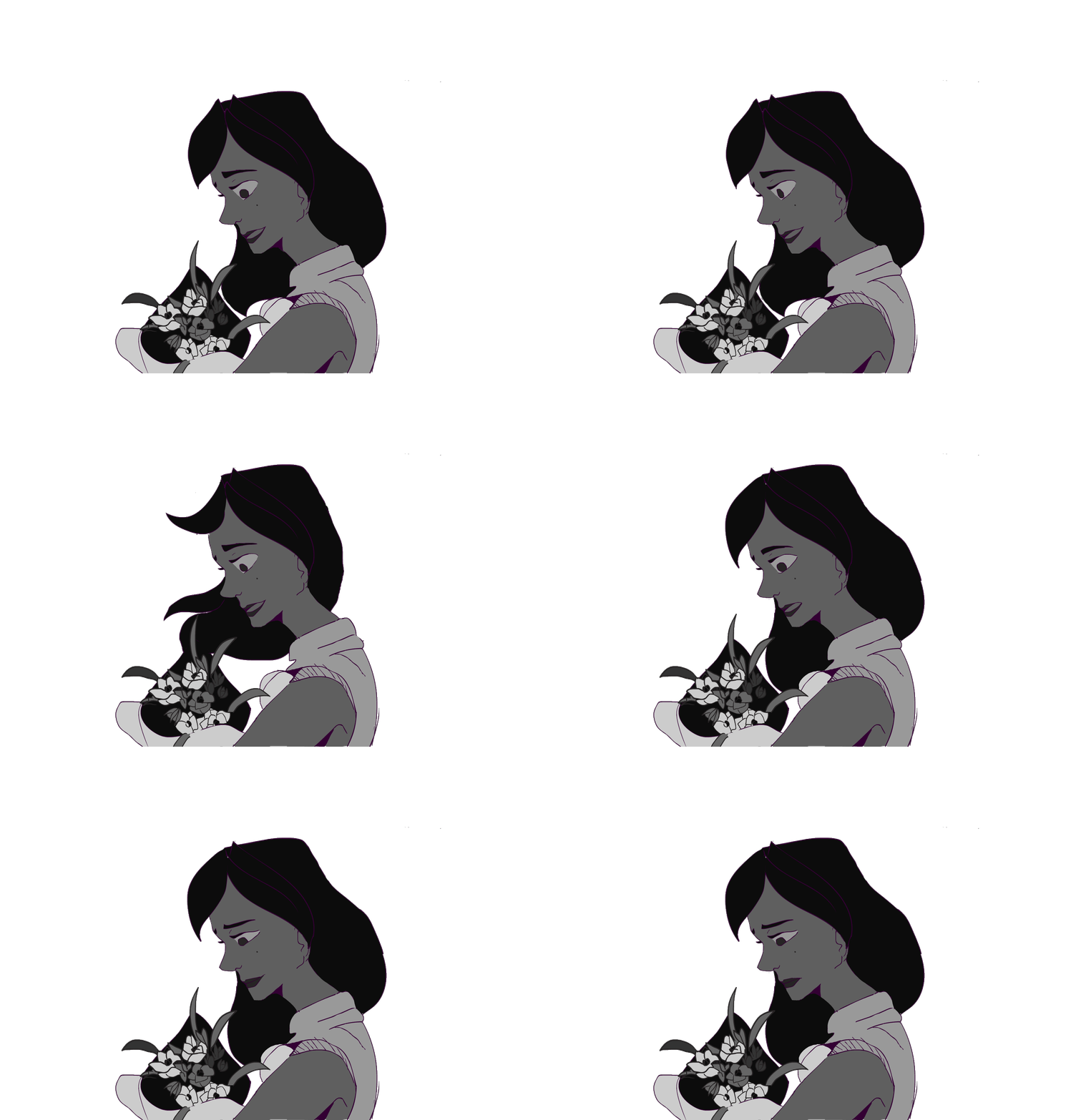
Characters i used was the mery rig provided from the brief, with an impatient attitude and then one of my own characters for the 2d side. i spent time playing with the facial expressions on the mery rig in order to get an idea of how to visualise her mood shifting. Drawings where not drawn by me. the artists original work was posted here. But they held expressive qualities and a Disney vibe that i wanted to work towards. and here is sketches of my characters sheet that i used as reference.
Once I had an understanding of these things, the process started to become quicker. At first this animation took me eight hours to reference and draw. i felt like i wasted a lot of time at first but it was during my second iteration that i was glad i took the time to Establish the hot keys, know how to move frames about, what to do when keys moved to a .5 on the timeline, facial rigs and switching between stepped and normal curves.
Workflow Breakdown
Post-mortem
issues that i faced where;
- Constraints
- Swapping between Ik and Fk
-Timing
as for the constraints, my issue was that i kept forgetting the order and ended up parenting the wrong object. so my most common mistake was when trying to constrain the bat to the characters wrist. i could create the locator fine, deleting its drop down from the side bar, making sure i had the maintain offset un ticked.

then parent the locator to the bat, this would let me move the hand and the bat seperatly when i needed to. then parent the hand to the locator. the first two times i had the bat as the driving force, but through repetition and thinking carefully about the order ended up correcting this.
the biggest time consumer for me was when i would do all my keys in ik then switch to fk by accident somewhere in the timeline and the rigs arms would almost brake in their movement to try and work between the first ik set and the last and transition over to Fk. it was a glitchy process until i was always deciding to choose one to focus on and to minimise the switching. if anything i wanted to avoid it.
Timing was something that i ended up missing a few times through a play blast review. the movements where airy and slower than they should be. i could fix this by creating a play blast more often to look at then depending on the timeline and animation maya is playing back to me. however, most of this issues where easily resolved by a quick google search or asking the lecturer. as well as constant attempts to improve and not enforce bad habits but be aware of them and fix them.
Introductory Exercises
This was our introduction phase to maya, it was difficult to suddenly switch after getting so use to 3DS max but i did enjoy the challenge. as well as the idea that in the industry we would be expected as animation students to have a baseline knowledge in each software as well as the flexibility to adapt and learn new software.
so to get use to the layout and different settings we did a simple ball bounce. it took no longer then thirty minutes to have finished after listening to our facilitator explain the main points of Maya to remember.
for our self guided exercise we where given a brief which included the areas to have our animation focus on, i chose a segment from a k-pop dance. as it was easier for me to brake down the keys and add inbetween's to it.
The two exercises can be found here
lifting a heavy object
This was a build on from our last task, as we now know more about Maya and started to experiment ways of showing weight.
Appraisal
reflection on the final result
I was proud of how far I have come with 3d animation and using Maya, I definitely look forward to using it more and improving the quality of my animations. I created walk cycles with less stress and confusion then my last. I can navigate my way around krita and substance painter now. (still working towards Maya)
If I had to choose one area to focus more on however, it would be my management and tracking over time. as I ended up getting flustered with five animations that needed to be shifted from stepped to auto. which was something that I felt heavily affected the overall animations that I presented in my show reel and presentation. I got to ambitious and needed to scope my ideas down to what was achievable.
Thank you for another great trimester!


Comments